How Loss Run Manager works
From one-time authorization to annual retrieval, the process is built to be trackable, repeatable, and easy on everyone involved.



How it works
One-time setup
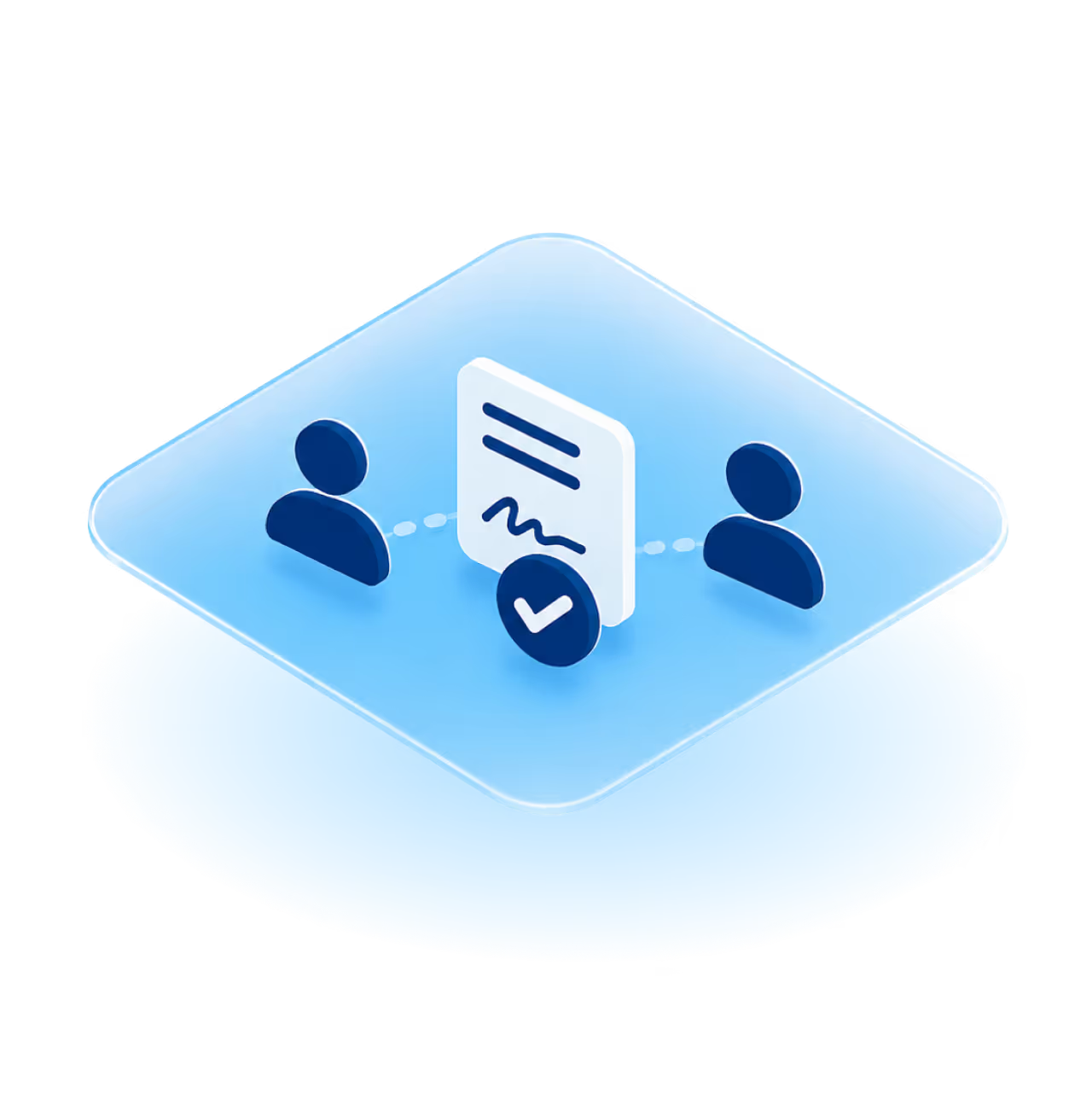
The property manager starts the setup and invites a designated board signer. Together you complete a guided authorization that defines exactly what's being authorized: retrieval of loss run reports for the association. Nothing more.
We only collect what's needed to send valid requests. The scope is clear, limited, and on the record.
Q: What does the association need to do first?
A: A property manager initiates setup and invites the board signer. Together they complete a guided authorization that defines the limited scope of the request.
Carrier-verifiable requests go out
Each request includes a unique verification code. Carriers can enter that code on our verification page to confirm three things: the request is legitimate, the association is registered with Loss Run Manager, and we have signed authorization on file.
No back-and-forth emails. No "is this real?" delays. Carriers respond faster because they're not pausing to investigate.
Q: How do insurance carriers know the request is legitimate?
A: Every request includes a unique code. Carriers enter it on our verification page to instantly confirm the request is authorized, the association is on file, and Loss Run Manager has legal standing to request on their behalf.
Loss runs land in your portal
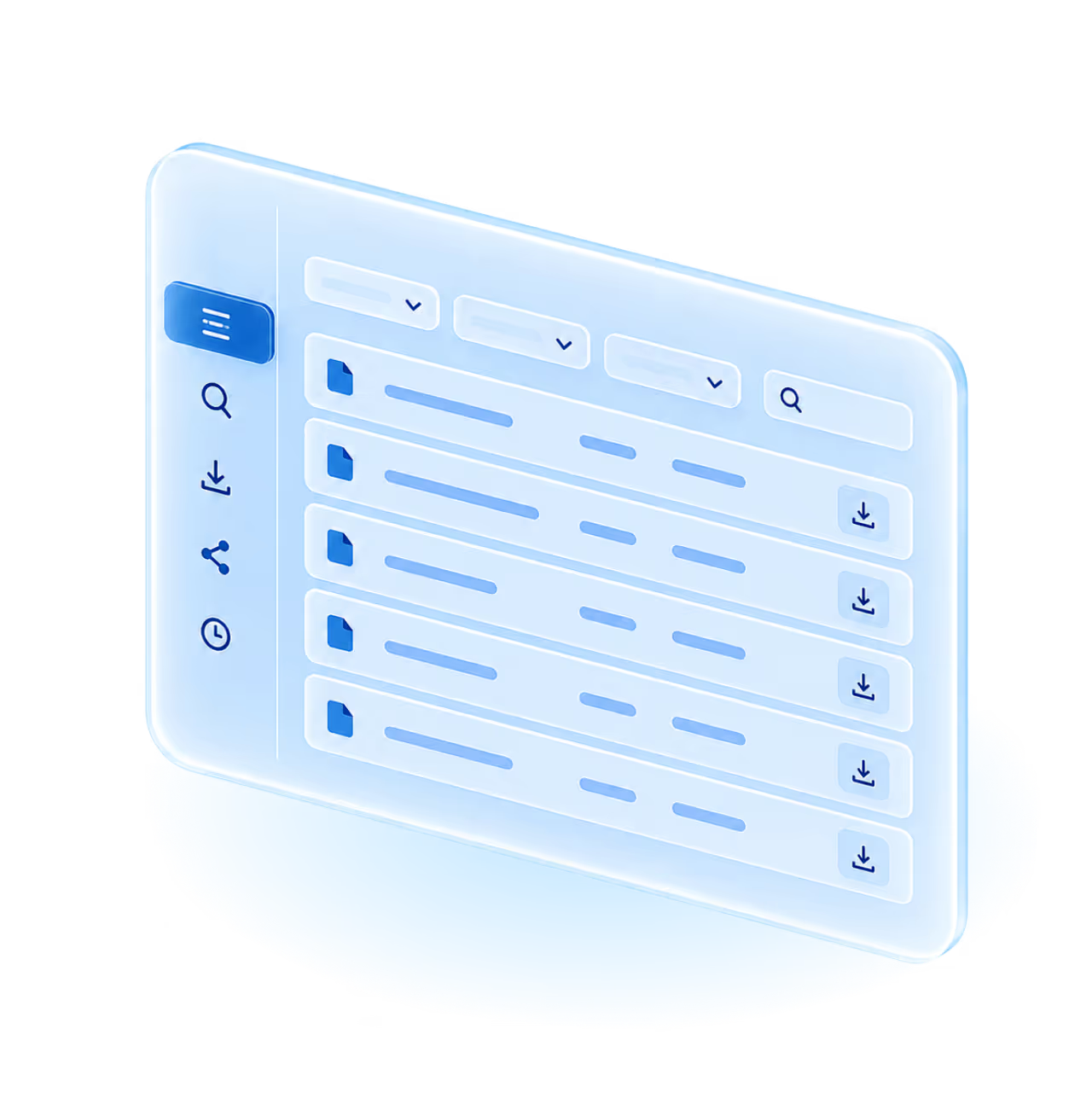
Retrieved documents arrive in the Loss Run Manager portal, organized by association, carrier, and year. You can:
- Search by carrier, date, or year
- Download loss runs anytime
- Share documents securely with brokers or auditors
- Review the full activity history
Renewals start faster because the data's already in hand. Broker handoffs take minutes, not days. Records stay clean year over year — no rebuilding history from scratch. And next renewal cycle? You skip the chase entirely.
Q: Where do the loss runs go after they're retrieved?
A: They're stored in the secure Loss Run Manager portal, where authorized users can access, download, and share them.
Why this beats starting over every year.
Most "loss run help" stops at one request. Loss Run Manager replaces the entire annual cycle.
One authorization, every year forward.
Sign once. We handle scheduled loss run requests after that — automatically, without re-asking the board.
Built around carrier legitimacy, not workarounds.
The verification code system means carriers respond to our requests faster than to a generic email from an inbox they don't recognize.
Your portfolio in one place — not seven inboxes.
Search any association, any carrier, any year, in seconds. No more "which folder did I save that in?"
An audit trail you'd actually want to inherit.
Every request and download is logged. When a new manager or board member takes over, the history goes with the association — not with the person who left.
A team that picks up the phone.
The Loss Run Manager team helps with setup questions, changes to association records, and requests that need additional attention.
Frequently asked questions
Still have questions?
We’re here to help
If you need clarification or want to talk through your situation, our team is ready to help.