Built on authorization. Delivered securely.
Loss Run Manager is designed to support legitimacy, trust, and operational clarity for associations and carriers alike.
A limited process, in plain English.
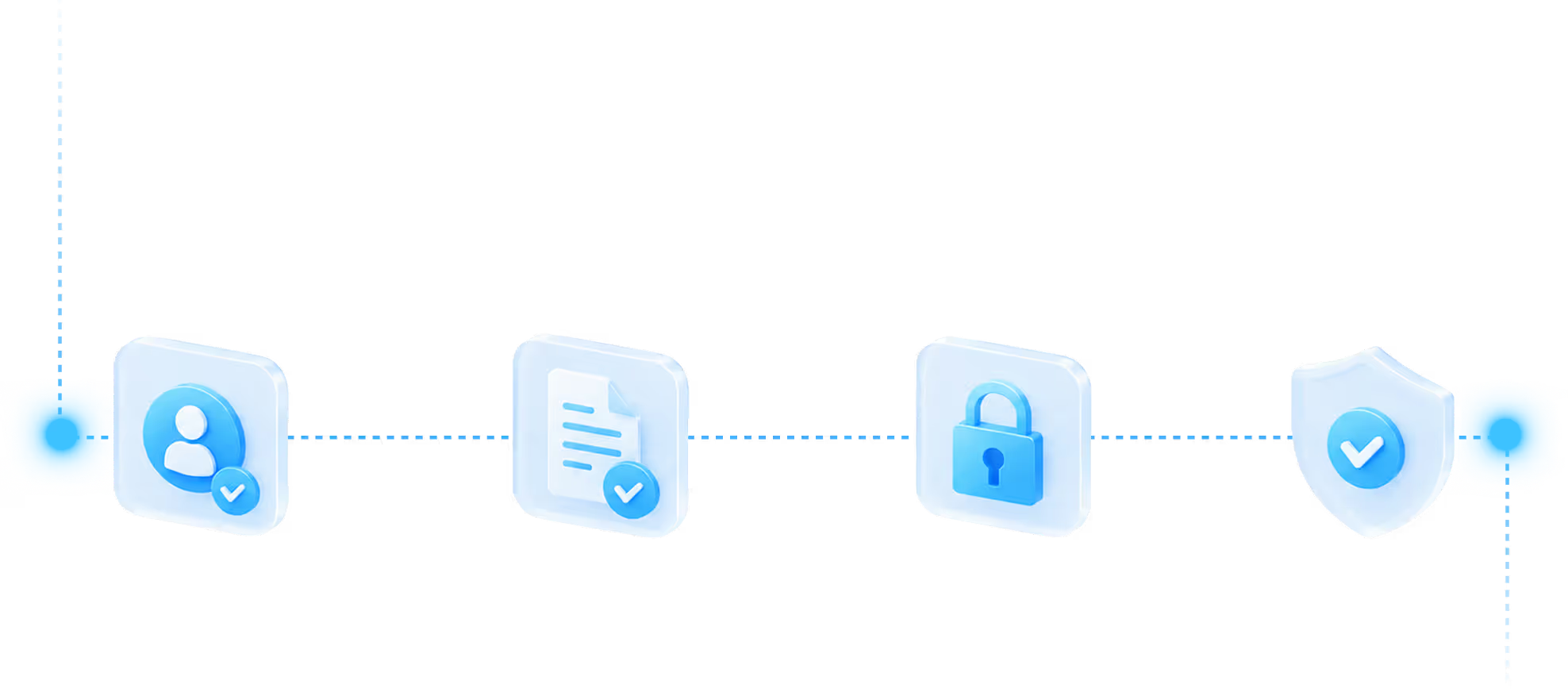
The authorization Loss Run Manager uses is:
Limited in scope. It covers retrieval of loss run reports. Nothing else.
Specific in purpose. It exists to support insurance renewal and operational continuity.
Not a broad power of attorney. It does not authorize binding coverage, changing coverage, or any unrelated activity.
Transparent. The full scope is visible to the board, the manager, and the carrier.
Reviewable. You can see what has been authorized at any time.
Revocable. Future retrievals can be stopped by the association.
How carriers verify a request.
Every request includes a unique verification code. When a carrier receives a Loss Run Manager request, they can visit the verification page, enter the code, and confirm three things: the request is legitimate, the association is registered with Loss Run Manager, and signed authorization is on file.
Only the minimum information needed to confirm legitimacy is disclosed. A clear support path is available if the carrier has questions.
How can a carrier verify a loss run request?
Every request includes a unique code. Carriers enter it on the verification page to instantly confirm the request is authorized, the association is on file, and Loss Run Manager has legal standing to request on their behalf.
How we protect your data.
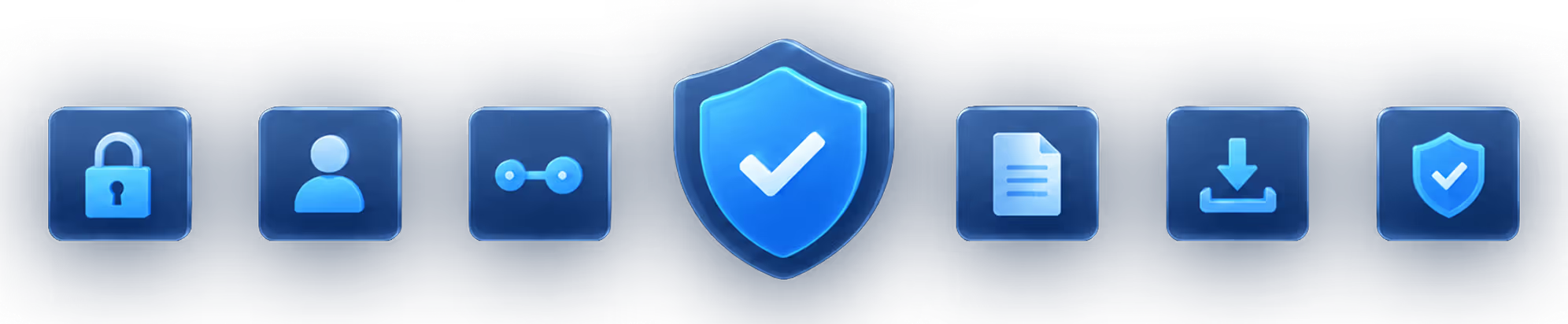
Loss Run Manager follows current industry best practices for data protection. In practice, that means:
Data is encrypted in transit and at rest.
Your loss runs and authorization records are not sitting in plain text anywhere.
Multi-factor authentication
is required for all portal accounts.
Access is role-based.
Property managers, board signers, and team members see only what is appropriate to their role.
Every action is logged.
Logins, requests, downloads, and shares all leave an audit trail you can review.
Sharing stays tracked.
Documents shared from the portal do not get loose as public URLs.
We collect only what's needed
to send valid requests. Nothing extra.
Control stays with the association.
The association decides what is authorized and for how long. Future retrievals can be stopped, scope can be reviewed, and activity stays visible through the portal at any time.
Frequently asked questions
Still have questions?
We’re here to help
If you need clarification or want to talk through your situation, our team is ready to help.